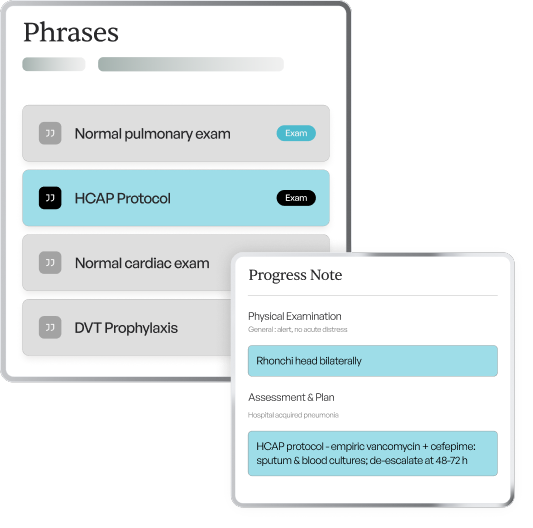
Turn the records you choose and your dictation into a working draft. Use templates, tasks, reminders, phrases and much more to keep your work organized
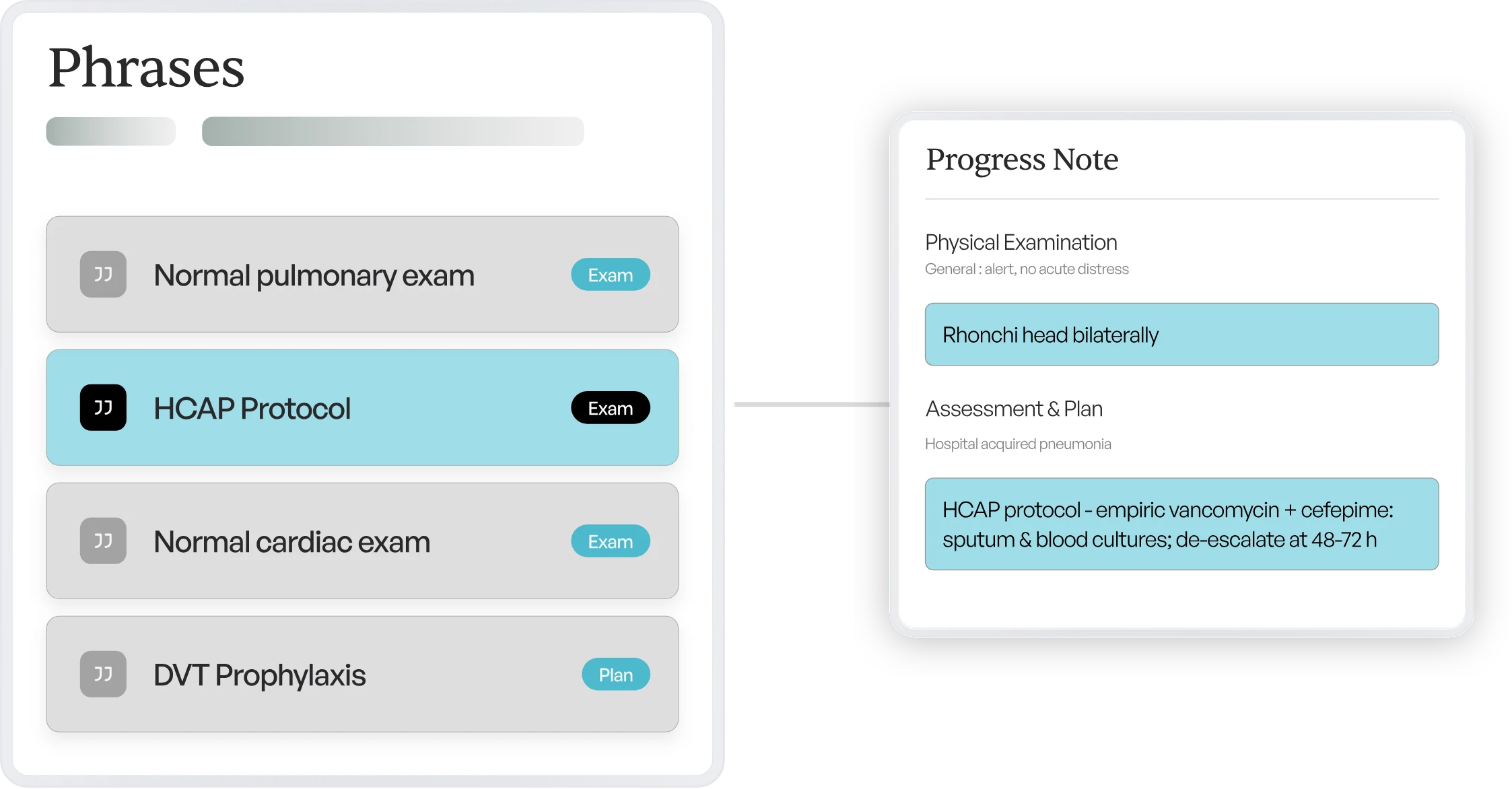
Automatically placed into note sections, with less to rearrange afterward.
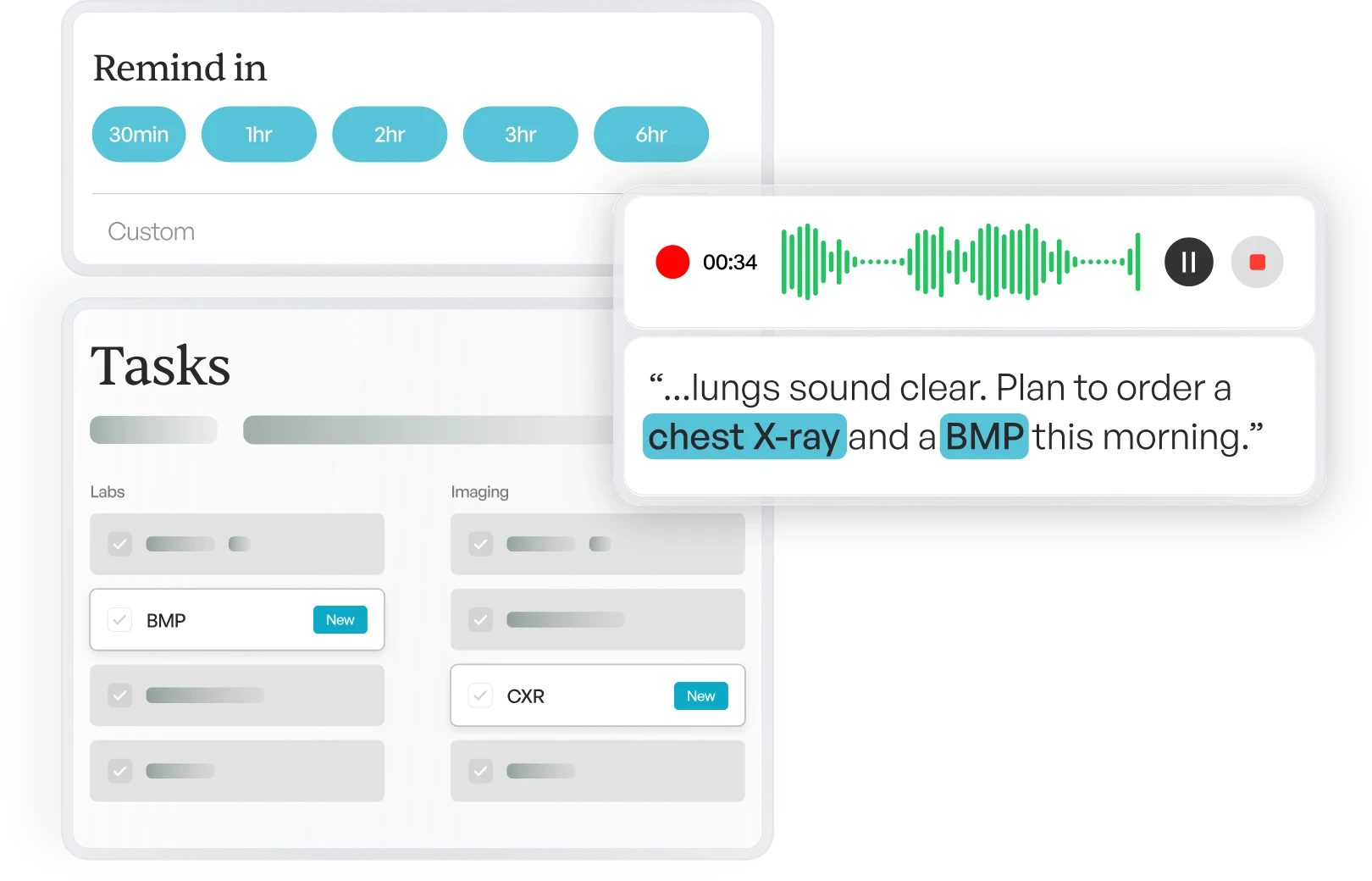
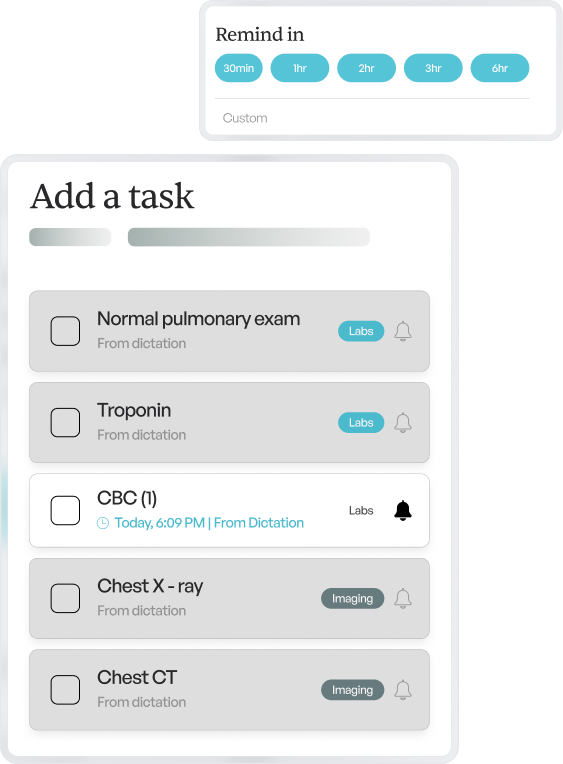
Labs and imaging mentioned in your dictation can become tasks. Add a reminder when you need one.
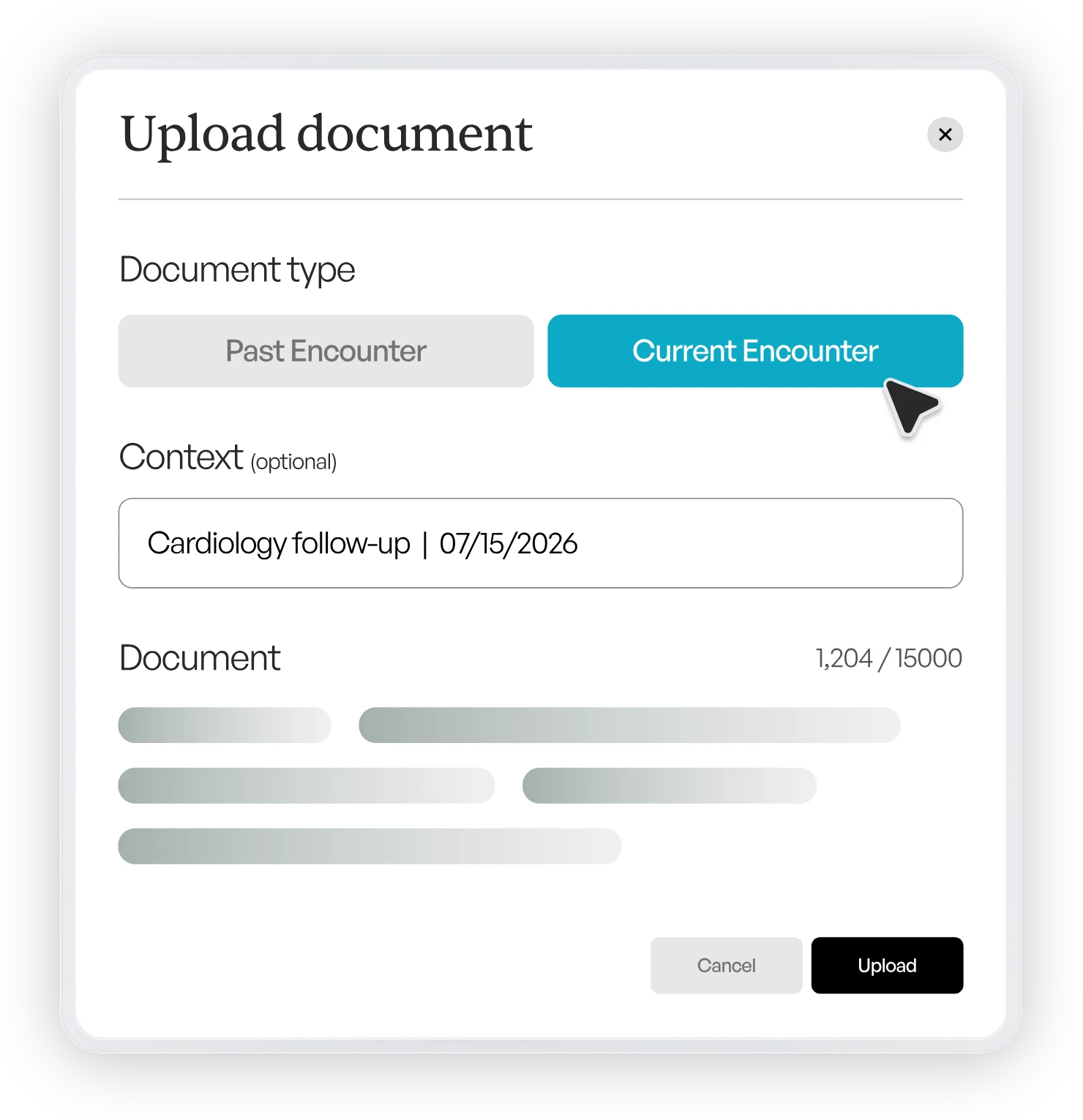
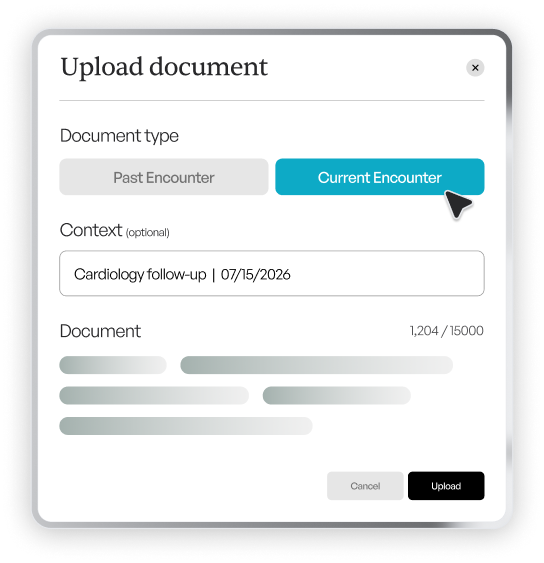
Helps keep the case story clear when records come from different points in time.



Clear answers about getting started, voice recording, patient management, security, and support.
Need clarity before moving forward? Speak with our operations team and get direct answers tailored to your challenges.
How do I get started with SutureNote?
To get started, click the "Add Patient" button in the left sidebar to create your first patient. Once added, you can begin recording voice notes by clicking the microphone button. SutureNote will automatically transcribe and organize your clinical documentation.
Quick Tip: Paste prior notes to quickly create a case skeleton or framework, then simply dictate your updates.
How does voice recording work?
Simply click the microphone button to start recording. Speak naturally about your patient encounter. You can pause and resume as needed. When finished, click stop and SutureNote will process your recording into structured clinical notes.
Add pre-rounding data while reviewing charts, then drop in post-exam or plan updates as you round. You can also capture information from nursing pages, consultant discussions, and other updates as they arrive–collect as they come.
Can I edit transcriptions after recording?
Yes! All transcriptions are fully editable. Click on the transcript to make changes directly.
How do I manage multiple patients?
Your patient list appears in the left sidebar. Use the filter and sort options to organize patients by status (active, archived) or alphabetically. Click on any patient to view their notes. You can also select multiple patients for bulk actions like archiving.
Is my patient data secure?
Absolutely. SutureNote is HIPAA compliant. All data is encrypted in transit and at rest. We employ industry-standard security measures to protect your patient information.
How do I contact support?
You can reach our support team through the "Support" tab in this help widget. Send us a message and we'll respond as soon as possible. For urgent matters, you can also email us directly at support@suturenote.ai.